How to Use the ResMed myAir App for Better CPAP Therapy

Understanding the ResMed myAir App: A Guide to Your Sleep Data
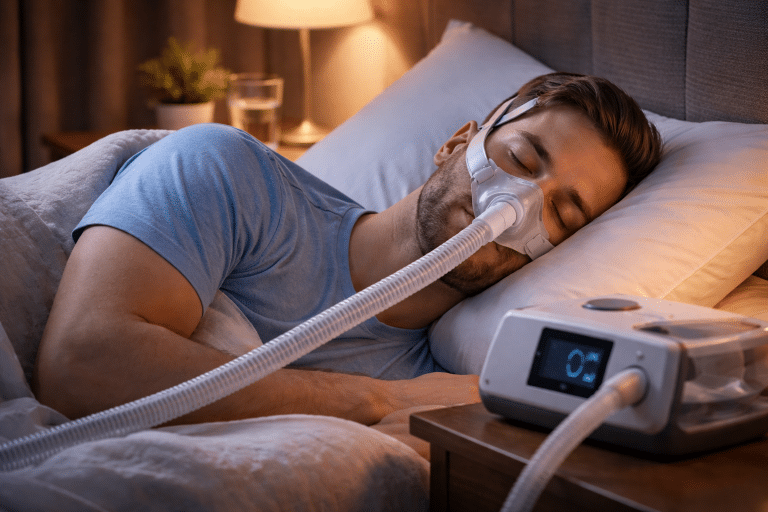
For many people starting CPAP therapy in Ontario, checking the phone has become a new morning ritual. You wake up, reach for your device, and see a number: an 85, a 92, or perhaps a 70. There are checkmarks for “Mask Seal” and stars for “Usage.”
It is encouraging to see that your effort resulted in a high score. However, many patients eventually ask the same questions:
Is this score actually good?
Why did it drop last night?
And do I need to do anything differently tonight?
The myAir app is a useful tool for staying motivated, especially during the first few weeks when adjusting to a mask feels most difficult. But data is most valuable when you have the context to understand it.
This ResMed myAir app guide is designed to help you look past the daily score and understand how this information supports your long-term health.
What is myAir and How Does It Work?
The myAir app is a personalized therapy management platform designed by ResMed.
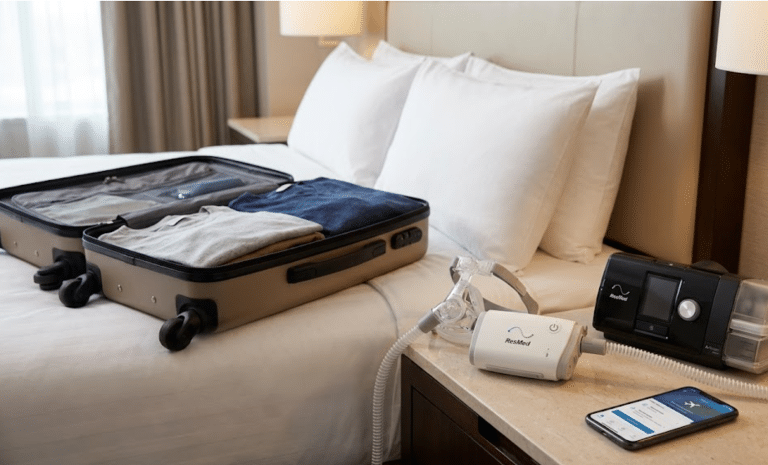
It connects wirelessly to your machine to transmit data about your sleep session directly to your smartphone, tablet, or computer.
The app is compatible with current ResMed devices, including:
- AirSense 10 and AirSense 11: The standard bedside machines.
- AirMini: The compact travel version.
By acting as a digital sleep diary, the app helps you see your progress over time. It provides a sense of accomplishment that can make the transition to nightly therapy feel a bit more manageable.
Breaking Down Your Nightly Sleep Score
The app calculates a score out of 100 based on four main categories. Understanding these points helps you identify where your therapy is stable and where it might need attention.
1. Usage Hours (70 points)
This is the largest part of your score. The app rewards you for every hour you wear the mask, up to seven hours.
While a four-hour window is often mentioned in insurance or adherence discussions, your long-term health goal is to use the machine for the full duration of your sleep to get the most benefit.
2. Mask Seal (20 points)
A stable seal is necessary for effective therapy. If air is leaking out the sides of the mask, the machine cannot maintain the pressure needed to keep your airway open.
The app tracks how much air escaped; a high score here means your mask fit was consistent throughout the night.
3. Events Per Hour (5 points)
This measures your AHI (Apnea-Hypopnea Index), which is the number of times per hour your breathing was partially or fully blocked.
Even with therapy, it is normal to have a few minor events. Most clinicians aim for a score under five for effective treatment.
4. Mask On/Off Events (5 points)
This tracks how many times you took the mask off or paused the machine. If this number is high, it may suggest you are struggling with discomfort or that the mask is slipping while you sleep.
The Difference Between Data and Clinical Insight
It is easy to get caught up in chasing a score of 100, but the number does not always tell the whole story.
For instance, you could have a score of 95 because you wore the mask for eight hours with a good seal, yet you might still feel tired because your pressure settings are not perfectly aligned with your needs.
The app is excellent at tracking compliance (showing that you are using the machine), but it is not a complete measure of clinical quality (how well the therapy is making you feel).
If your scores are high but you still feel exhausted or groggy during the day, the app has done its job of showing you that the “basics” are covered; now it is time to speak with a clinician to dig deeper.
What to Do When Data Does Not Sync
It can be frustrating to wake up to a screen that says “No Data Available.” If your myAir app is not syncing, it is usually due to one of a few common factors:
- Cellular or Wireless Signal: Most machines transmit data via a cellular network or WiFi once the session ends. If your bedroom is in a basement or an area with poor reception, the machine may struggle to send the file.
- Processing Time: The machine typically waits a short period after you stop breathing into the mask before it attempts to upload the data. It is often best to wait a little while after waking up before checking the app, so the transmission can finish.
- Power Supply: If you unplug the machine immediately after removing the mask, it will not have the power to transmit the night’s data to the servers.
Coaching and Troubleshooting Tools
For those using the AirSense 11, the app includes “Personal Therapy Assistant.” This feature provides videos and guides on how to fit your specific mask and maintain your equipment.
Another helpful tool is “Test Drive,” which allows you to feel the air pressure while you are awake and relaxed. This can help you get used to the sensation before you try to sleep with the device.
Answers to Common myAir Questions
1. Why is my AHI higher on the app than I expected?
If your events per hour (AHI) are consistently higher than the goal set by your clinician, it could mean your mask is leaking or your current pressure settings need a professional review. A high AHI on the app suggests that the therapy is not fully controlling the apnea events.
2. Does my doctor see the data from the app?
The myAir app is designed primarily for your personal tracking. However, many clinics and providers use ResMed’s professional systems, such as AirView, to review your therapy data alongside you. This allows your clinical team to monitor your progress and, in many cases, make adjustments to your machine settings remotely.
3. Can I use myAir without a smartphone?
Yes. You can access your data by logging into the myAir website on a computer. You will see the same scores, trends, and coaching videos available on the mobile app.
4. Is my sleep data kept private?
ResMed uses encrypted connections to transmit and store your therapy information, following health privacy regulations.
5. What if I use a machine from a different brand?
The myAir app is exclusive to ResMed devices. If you use a machine from Philips or Fisher & Paykel, they offer their own specific tracking software. Our team can help you identify the correct app for your device.
Practical Support for Your Sleep Data
The myAir app is a great companion for your sleep therapy. It provides the feedback and “nudges” that help many patients stay consistent.
However, a digital score is not a substitute for the expertise of a clinician who understands your specific health history.
When you see a trend in your data that you do not understand, or when your score is high but you still do not feel as rested as you should, we are here to provide the clinical insight that an app cannot. We are focused on providing practical, patient-centred support for our neighbours in Niagara, Hamilton, and the surrounding regions.
Whether you are setting up the app for the first time or you need a professional to review your data for a machine replacement or repair, we are here to help. We offer personalized consultations and free delivery for your supplies to ensure your therapy is as seamless as possible.
Making sense of your CPAP therapy:
- Visit our clinical team: Find a location in St. Catharines, Niagara Falls, or Hamilton.
- Call for a consultation: 1-905-246-9590
- Contact us via email: GMB@CPAPoneSTOP.com
- Discuss your progress: Book a clinical appointment online
Disclaimer
This blog is for informational purposes only and does not replace professional medical advice, diagnosis, or treatment. Always consult a qualified healthcare provider regarding your specific condition and CPAP therapy. Individual results may vary.